












Product Description
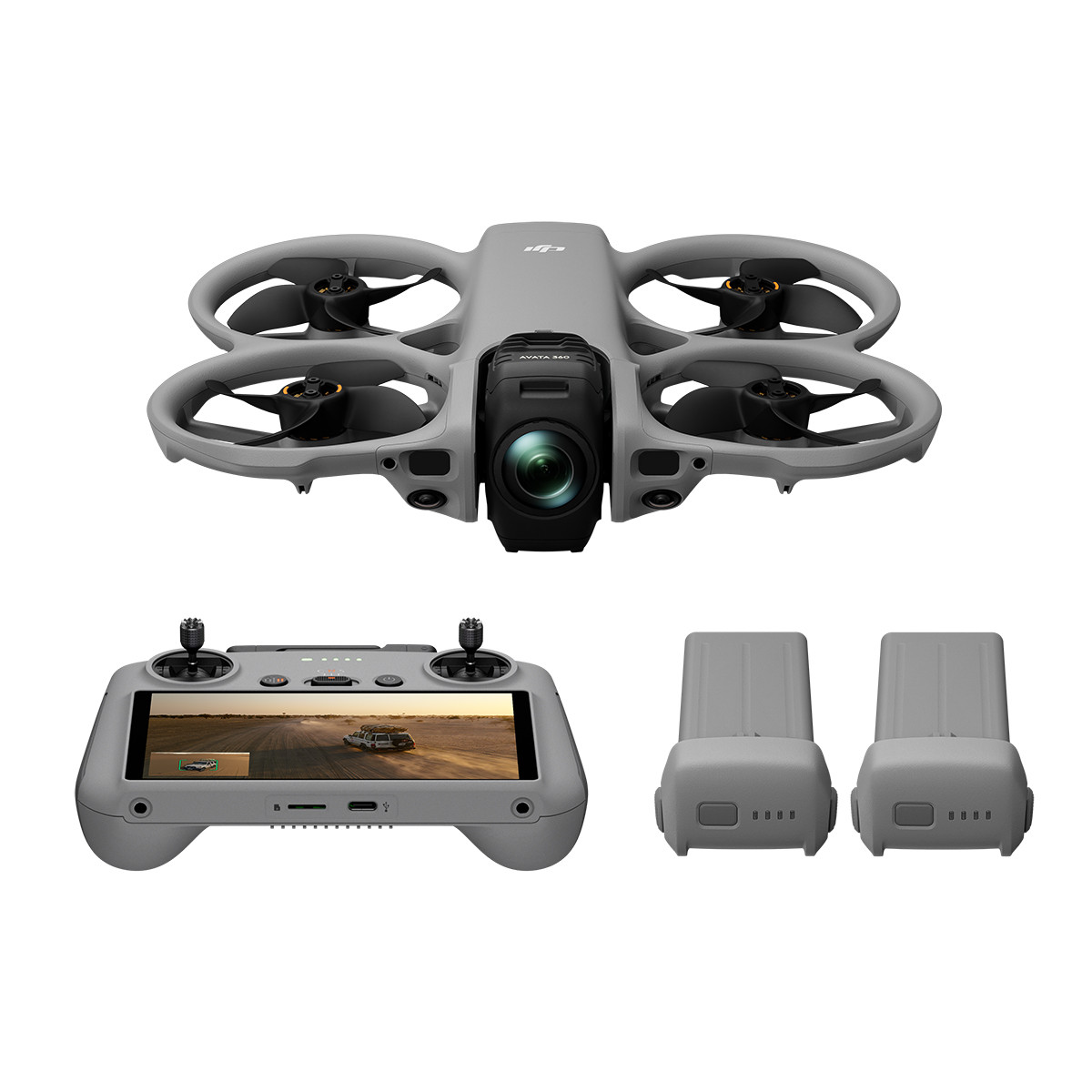
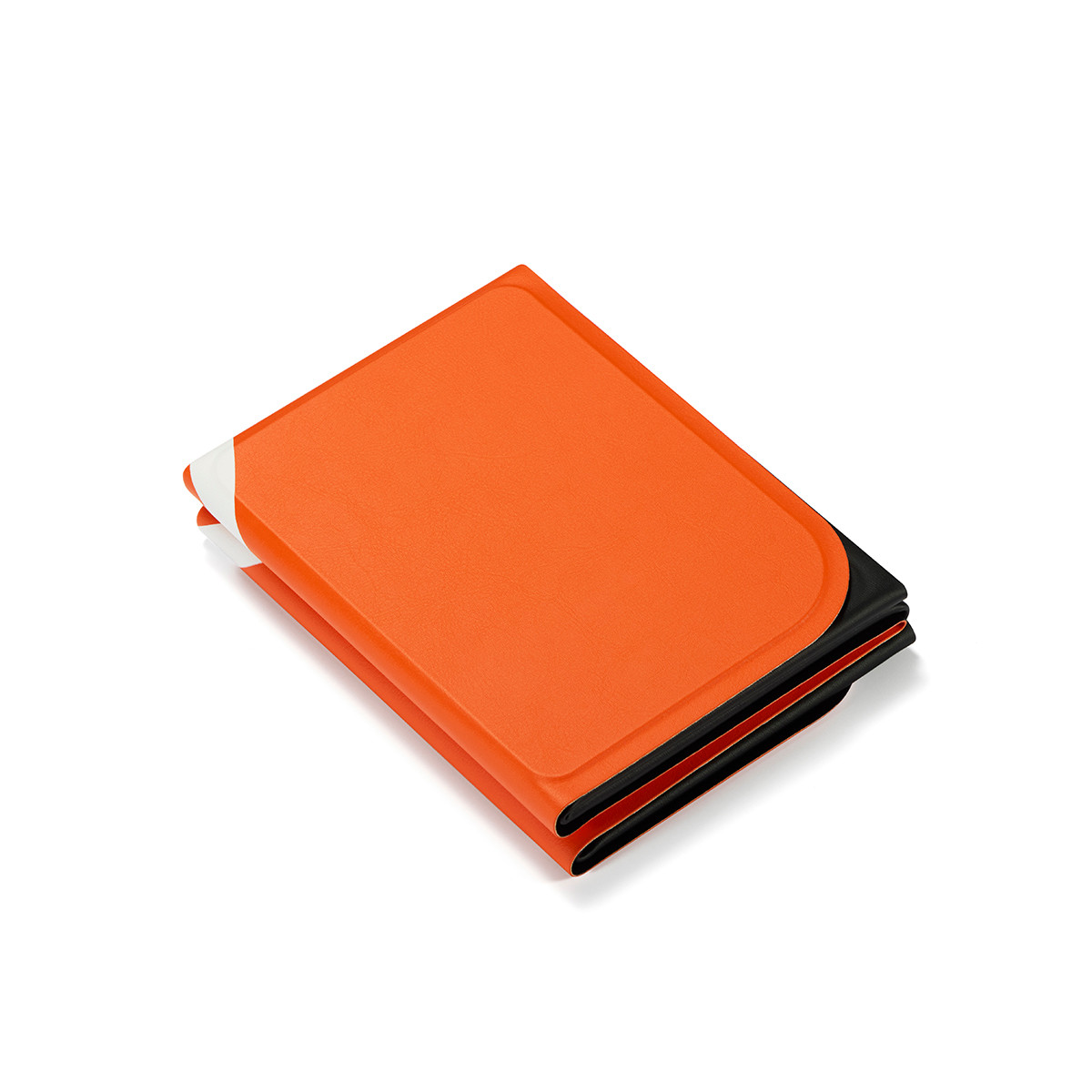
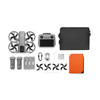
Includes DJI RC2 remote controller with screen, Charging Hub, Sling Bag, three intelligent Flight Batteries, and more.
8K Flagship 360° Drone
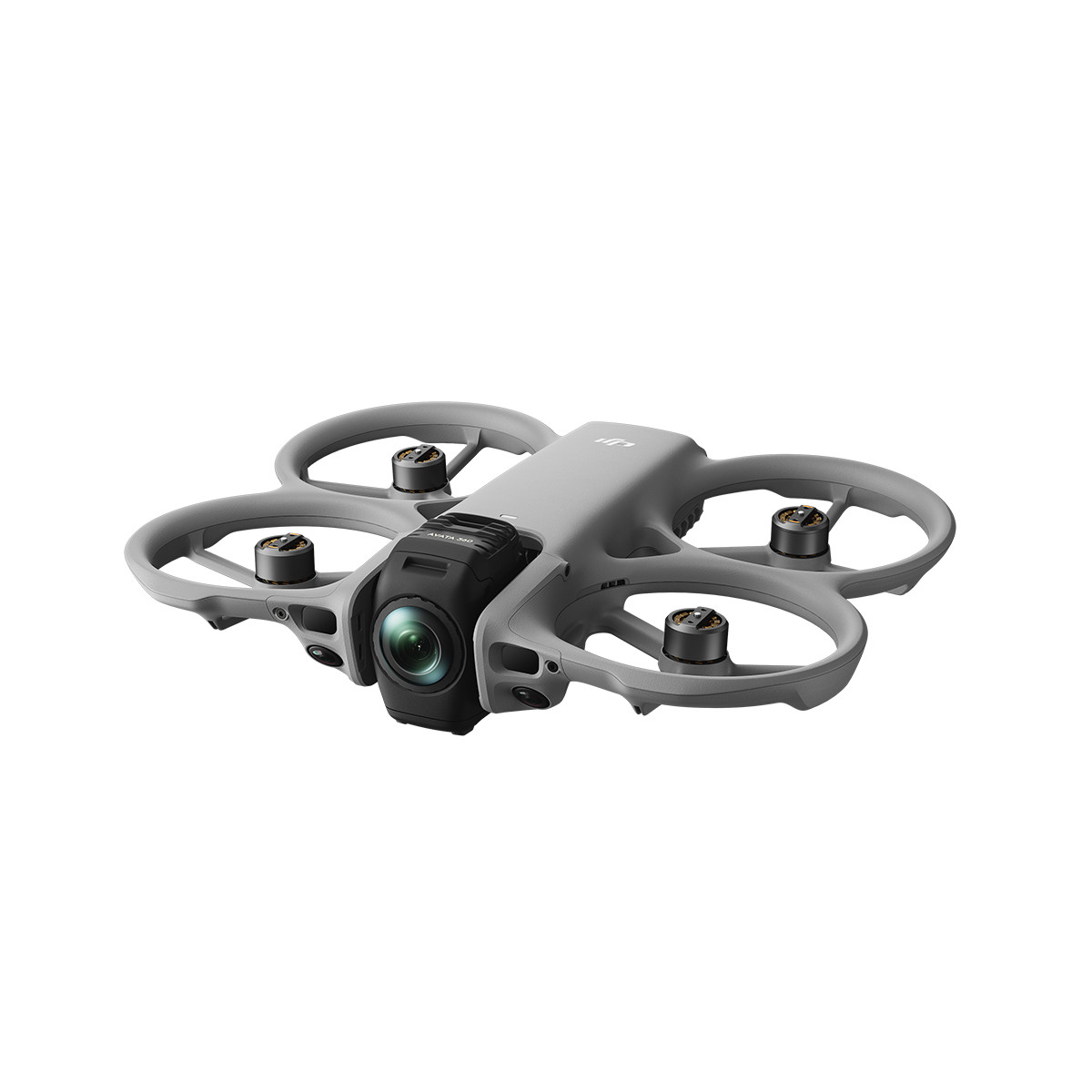
DJI AVATA 360
Above It All, See It All
Reimagine the flight experience with flagship 360° imaging. Introducing Avata 360, capturing every epic moment in all its glory. Take to the skies, embrace the infinite, and unlock a new dimension of 360° creativity.
- 1-Inch Flagship Imaging[1], 8K/60fps HDR Video[2]
- Omnidirectional Obstacle Sensing[3] for Dynamic Tracking Shots
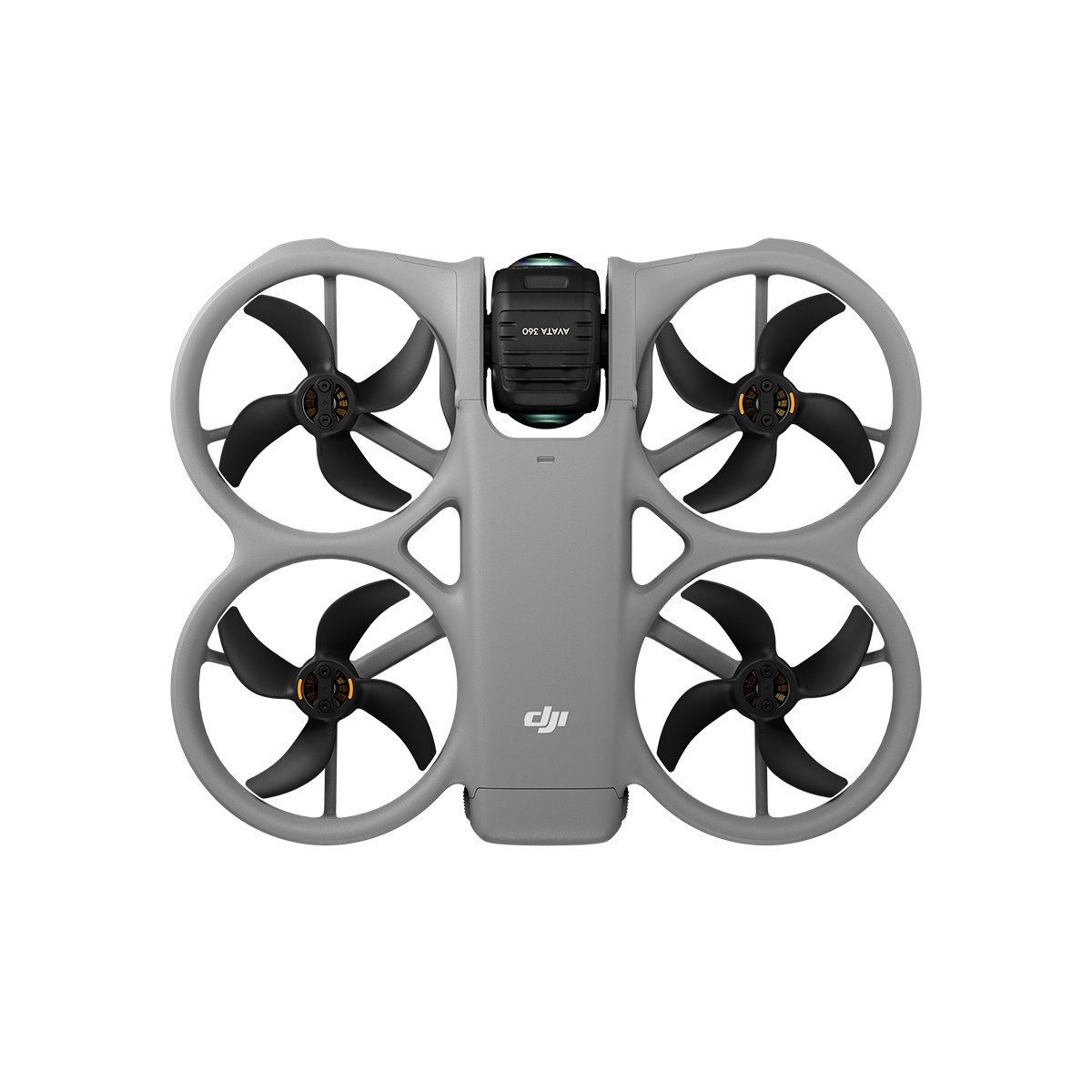
- Integrated Propeller Guard, Create With Confidence
- O4+ Full HD Video Transmission
- Spotlight Free[2] for Instant Shareable Footage
- Infinite Creativity From One Take[2]
- FPV Flight & Aerial Filming in One Drone
- 360° and Single Lens, Flexible Dual Modes[3]
Brilliant Imaging, Boundless Creativity
On a 1-inch-equivalent image field <sup>[1]</sup>, your world unfolds freely in superb image quality. Capture 8K/60fps HDR video or 120MP photos with rich detail. Avata 360 disappears in the footage, leaving a pure, open view.
1-Inch Flagship Imaging [1], 8K/60fps HDR Video [2]
With 1-inch-equivalent sensors [1], large 2.4 μm pixels, and high dynamic range, light and shadow are captured with exquisite clarity. 8K/60fps HDR 360° video provides sufficient resolution for sharp cropped shots.
120MP 360° Photo [11]
Capture 120MP/16K 360° photos [11] with a single tap. Preserve the 360° world with sharp details and vast views, then reframe freely in post to create multiple distinct images.
One Drone, Two Forms, Endless Fun
Seamlessly switch from 360° to Single Lens mode for classic Avata-style filming in 4K/60fps [4].
Powerful Video Transmission, Immersive Flight
Avata 360 features the O4+ video transmission system, delivering stable, clear live feeds for smoother, more immersive flight. With flexible control options, you can use it for aerial filming, immersive flight with 360° imaging, and Easy ACRO.
O4+ Full HD Video Transmission
DJI O4+ video transmission system features strong anti-interference capabilities, delivers high-definition, high-frame-rate transmission at 1080p/60fps, and supports a range of up to 20 km [5].
FPV Flight and Aerial Filming in One Drone
Choose RC 2 for precise camera movement. Or use Goggles 3/N3 paired with RC Motion 3 for immersive flight with 360° imaging. Your view moves naturally with your head, making you feel like you're floating in the clouds, overlooking the world.
Dual-Channel Color Video Transmission
When used as the main feed, both channels support 1080p/60fps. The Vision Assist view is also FHD and full color, helping you clearly understand your surroundings.
Easy ACRO
Even beginners can use DJI RC Motion 3 to easily perform acrobatics like drifting.
Fly With Confidence, Create With Ease
Even beginners can capture visually striking dynamic tracking shots with Avata 360. Omnidirectional obstacle sensing and the integrated propeller guard help you fly and film with peace of mind.
Omnidirectional Obstacle Sensing [3] & Propeller Guard
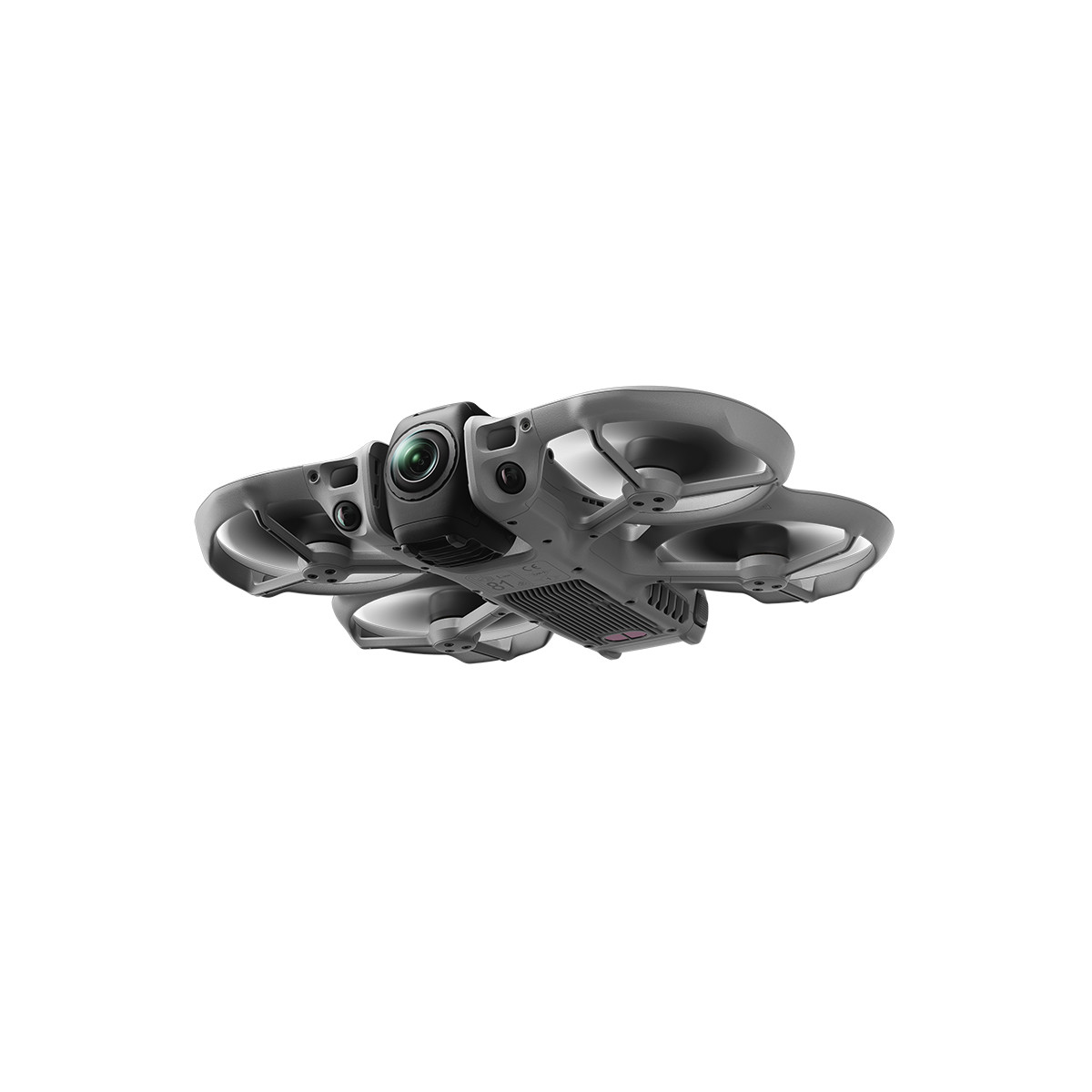
Equipped with forward-facing LiDAR, Avata 360 features nightscape omnidirectional obstacle sensing [3] in 360° mode, effective even during dynamic tracking shots. The integrated propeller guard adds another layer of safety.
ActiveTrack 360° [6]
ActiveTrack 360° automatically selects the optimal tracking mode. In Standard mode, the drone maintains a steady distance and altitude relative to the subject, while Cycling mode reacts faster to turns, keeping the subject locked and framed even in complex environments.
More Dynamic, More Thrilling
The FPV gimbal mode [2] adds a natural roll effect to Spotlight Free, ActiveTrack 360°, and manual flights, giving your footage a dynamic, FPV-style look with an intense sense of speed. You can even apply or switch to this mode in post-production.
Spotlight Free [2] for Instant Shareable Footage
No need to aim. Spotlight Free [2] locks onto a moving subject and assists with camera movement. Just fly freely, and you can replicate sophisticated camera language that once required a pro with Inspire 3, easily nailing epic shots.
Instant Mastery, Instant Magic
With 360° imaging, Avata 360 brings an exceptional experience to aerial content creation. Export directly with your original perspective, or reframe in post-production, transforming a single take into multiple creative possibilities.
Infinite Creativity From One Take [2]
Capture a full 360° view in a single flight. In post, reframe from any perspective to turn one clip into multiple creations.
Unlimited Rotation, Unbound Vision
360° imaging enables infinite rotation and tilt control. Even when flying in one direction, you can effortlessly rotate the horizon, look back at beautiful scenery, make the view do a flip, smoothly zoom from standard views to Asteroid effects, or create the dolly zoom effect.
Direct Export, Instant Masterpiece
Export footage directly based on your original framing. Skip complex post-production and create cinematic work in a single, seamless step.
360° Editing Made Easy
Intelligent Tracking
Powered by advanced algorithms, DJI Fly and DJI Studio make it effortless to lock onto and smoothly track people, vehicles, boats, and more, even in 360° footage.
GyroFrame
In DJI Fly, simply move your phone to find and lock in your ideal angle, then export your creation with a single tap. 360° editing, made intuitive and seamless.
One-Tap Reframing
In DJI Fly and DJI Studio, you can add camera movement effects with a single tap.
Multi-Platform Editing
Edit fully in DJI Fly or DJI Studio, with DJI Studio providing rich tools for a seamless workflow. You can also create 360° masterpieces directly in Premiere with the plugin.
Thoughtful Details
Key details, including lenses, storage, transmission, and battery life, have all been carefully considered.
Replaceable Front Lens Element
The front lens elements feature a replaceable design. Purchase a Replacement Lens Kit With Tools [7], and you can easily replace the old lens element yourself—no need to send it in for repair.
42GB Internal Storage
With 42GB of internal storage, you can record about 30 minutes of 360° video in 8K. Capture brilliant moments instantly, even without a microSD card.
Wi-Fi 6 High-Speed Transfer
Wake Avata 360 and download footage via the DJI Fly app within Bluetooth range—no need to take out the drone. Transfer 1 GB in 10 seconds at up to 100 MB/s [8]. Downloads continue smoothly in the background, even if you switch apps.
23-Min Flight Time [9]
Avata 360 offers up to 23 minutes of flight time [9]. The charging hub supports PD fast charging and parallel charging [10], getting you back in the air quickly.
* All videos and images on this page were shot using DJI Avata 360 by professionals in strict compliance with local laws and regulations and have been variously edited in post-production. All videos and images are for reference only. Always observe local laws and regulations and ensure the aircraft has obtained relevant certifications and airspace authorizations before flying.
** All data on this page was collected with a production model of DJI Avata 360 in a controlled test environment. Actual experience may vary depending on the environment, usage, and firmware version.
*** All images, videos, and screen display contents about the product itself on this page are for reference only. Actual product effects (including but not limited to appearance, color, and size) and screen display contents (including but not limited to backgrounds, UI, and illustrations) may vary.
1. Only available in 360° mode. When capturing 360° content, each of DJI Avata 360's two CMOS sensors features an imaging area equivalent to that of a 1‑inch CMOS sensor with a 4:3 aspect ratio.
2. Only available in 360° mode.
3. Conditions for enabling nightscape omnidirectional obstacle sensing: The drone's front, back, left, right, or top sides are within range of surfaces with discernible textures with illuminance that exceeds 1 lux. Similarly, the ground below is textured and diffusely reflective with a reflectivity above 20% (such as walls, trees, or people), also in lighting conditions with illuminance higher than 1 lux. DO NOT fly in severe weather conditions, such as in strong winds (wind speed of 10.7 m/s or more), snow, rain, lightning, or fog. DO NOT fly the aircraft 5,000 m (16,404 ft.) or higher above sea level. DO NOT fly the aircraft in environments where the temperature is below -10° C (14° F) or above 40° C (104° F). DO NOT take off from moving objects, such as cars or boats. DO NOT fly close to reflective surfaces such as water or snow. Otherwise, the vision system may not work correctly. The vision system may not work properly in dim environments. Always fly with caution and prevent the aircraft from entering Attitude mode. DO NOT fly near areas with magnetic or radio interference. Familiar magnetic or radio interference sources include Wi-Fi hotspots, routers, Bluetooth devices, high-voltage lines, large-scale power transmission stations, radar stations, mobile base stations, and broadcasting towers. Avoid sand entering the aircraft when taking off in desert or beach areas. Fly the aircraft in open areas away from crowds. Buildings, mountains, and trees may block the GNSS signal and affect the onboard compass. Omnidirectional Obstacle Sensing is effective only in 360° mode on surfaces with discernible textures and in lighting conditions of 1 lux or greater, and is not available when entering the playback interface. In Single Lens mode, only forward obstacle sensing is supported.
4. In Single Lens mode, 4:3 aspect ratio video recording is only supported when used with Goggles 3/N3 paired with RC Motion 3 or FPV Remote Controller 3.
5. Measured in an outdoor, open environment, without interference, and with FCC compliance. The 20km transmission distance is only achievable under FCC standards; in mainland China, the SRRC standard is adopted, with a maximum transmission distance of 10 km. The above data shows the farthest communication range for one-way, non-return flights. Always pay attention to reminders in the app during your flight.
6. ActiveTrack 360° requires an RC 2, RC-N2, or RC-N3 remote controller. It is recommended to use the ActiveTrack 360° feature in open environments. Refer to the user manual for unsupported scenarios or scenarios that may potentially interrupt recording. In complex environments with many obstacles, exercise caution when using Auto mode to ensure flight safety and personal safety.
7. Sold separately.
8. Measured using internal storage or a high-speed microSD card in a low-interference laboratory environment in countries/regions that support both 2.4 GHz and 5.8 GHz. Actual download speeds may vary.
9. Measured flying at a constant 21.6 kph in a windless environment at sea level, with the camera in photo mode, from 100% battery level until 0%. Data is for reference only. Always pay attention to reminders in the live view during your flight.
10. Parallel charging requires the DJI 65W Portable Charger or DJI 100W USB-C Power Adapter. With an input of 65 W or higher, the hub supports parallel charging. Otherwise, it charges sequentially, prioritizing the highest battery level.
11. For 120MP/16K 360° photos, the resolution is 15520×7760 (120 MP) in JPEG and 15360×7680 (118 MP) in DNG.
Additional Details
| MPN | 24137622 |
|---|


